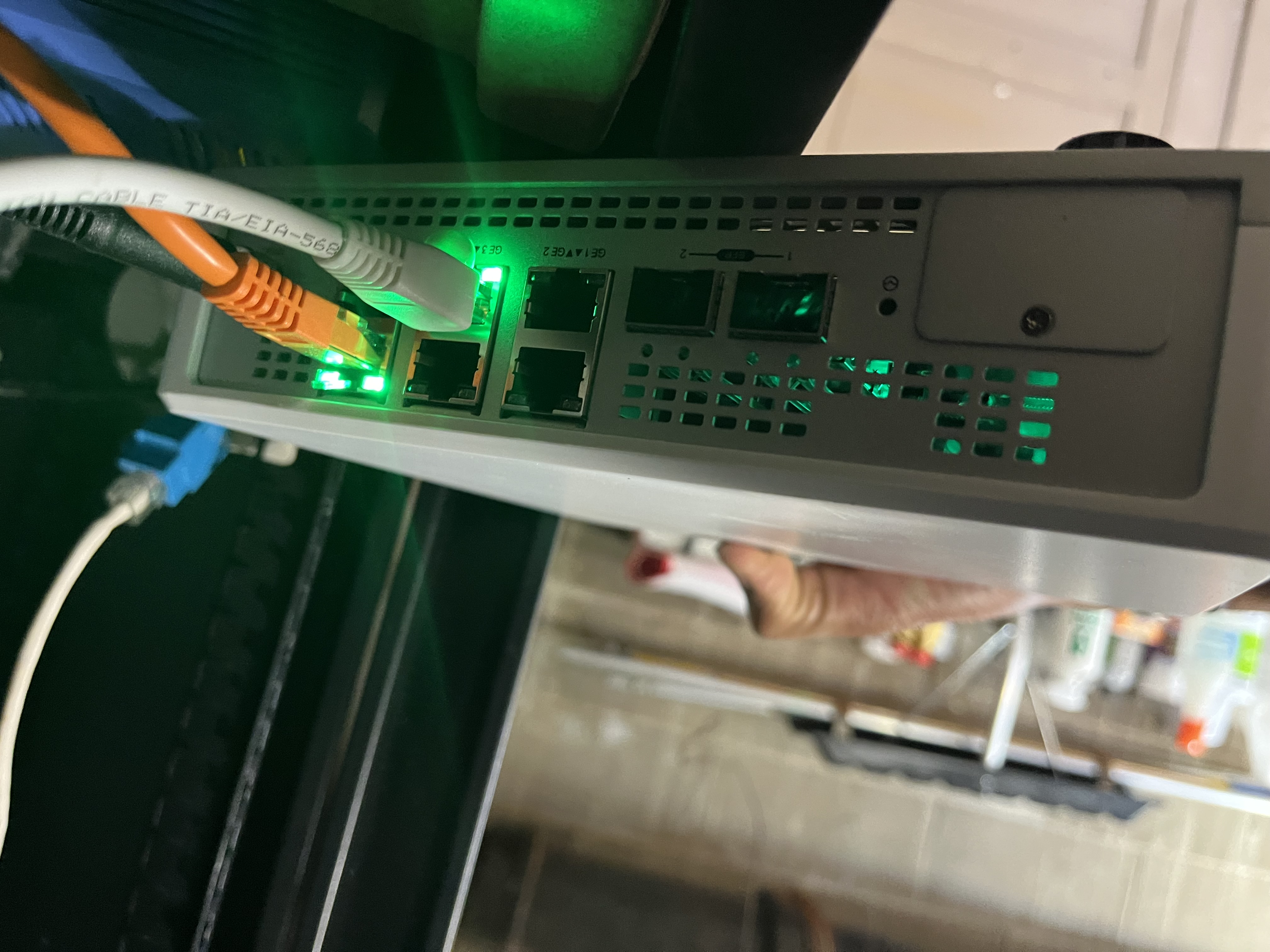
Your Internet Is Acting Up, Here's What's Actually Happening
From packet loss to DNS failures to intermittent drops, we diagnose real internet issues remotely and help you resolve them, wherever you are in Canada.
Common Internet Problems
What Kind of Internet Issue Do You Have?
Internet problems aren't all the same. Understanding which category your issue falls into determines how to fix it and whether the fix is on your side or your ISP's.
Intermittent Drops
Your connection works, then stops, then works again, with no obvious trigger.
Intermittent drops can stem from modem/router instability, ISP line issues, DHCP lease problems, or wireless interference that only surfaces under load. The symptom is frustrating precisely because it disappears before you can diagnose it, which is why structured logging and testing during a remote session often reveals causes that hours of self-troubleshooting miss.
DNS / Name Resolution Problems
Pages won't load even though your internet appears connected.
DNS failures cause pages to stall or return errors even when your physical connection is active. Common causes: ISP DNS server instability, router misconfiguration, DNS cache corruption, or IPv6/IPv4 resolution conflicts. Switching to a different resolver often works temporarily — but the proper fix identifies why your current resolution path is failing.
Packet Loss & High Latency
Downloads are slow, calls stutter, and games lag, even on a strong connection.
Packet loss is particularly destructive for real-time applications: video calls, gaming, VoIP, and screen sharing all degrade sharply when even a small percentage of packets are dropped. Causes range from a faulty ethernet cable or switch port to ISP congestion, Wi-Fi interference, or a saturated home network. Isolating which hop in the path is responsible requires traceroute analysis and per-device testing.
Modem / Router Instability
Your router or modem reboots unexpectedly, or requires frequent restarts to stay stable.
Modem reboots often indicate a signal quality problem from the ISP, low signal levels, excessive noise, or line attenuation that forces the modem to resync. Router instability may reflect overheating, firmware issues, or resource exhaustion from too many connected devices. Both are diagnosable remotely using event logs, SNMP data, and modem status pages.
Works on Some Devices, Not Others
One device has problems. Others on the same network are fine.
When one device performs poorly while others don't, the network itself is usually not the problem. Device specific issues include: outdated or corrupted network drivers, IP address conflicts, proxy misconfiguration, DNS cache problems, or hardware faults in the network adapter. These are diagnosable via guided remote sessions without any on-site visit.
Slow Under Load
Works fine with one device. Slows significantly when multiple devices are active.
Congestion under load indicates either bandwidth ceiling issues (your plan may be under-provisioned for your usage pattern), QoS misconfiguration, or a router without sufficient processing capacity for your number of devices. Remote diagnosis can quickly determine whether this is a hardware limitation, a configuration issue, or an ISP throttling situation.
Clarifying the Problem
Is It Your Wi-Fi or Your Internet Connection?
The symptom often points toward the layer. This table helps you begin narrowing down the source before we run a proper diagnosis.
If your symptom points to Wi-Fi specifically, see our Fix Slow Wi-Fi Issues page for targeted diagnosis — or book a Wi-Fi Survey if you're in the Kitchener-Waterloo area.
How It Works
How Remote Diagnosis Works
Most connectivity issues can be diagnosed and resolved without anyone visiting your home or office. Here's what a remote session looks like in practice.
Book a Session
Submit a request or call us. We schedule a remote session at a time that works for you, no waiting for a technician to travel.
Guided Testing
Using screen sharing or remote access tools, we run structured tests: ping, traceroute, DNS resolution, speed tests to multiple endpoints, and log analysis from your router or modem.
Root Cause Identification
We pinpoint which layer the problem lives in Wi-Fi, LAN, modem, router, ISP handoff, or DNS. Most root causes become clear within the first session.
Resolve or Escalate
If the fix is configuration level, we resolve it during the session. If your ISP is at fault, we document the evidence and walk you through how to escalate effectively.
Get an Estimate
Ready for a Remote Diagnosis?
Remote support is available across Canada at $70/hr. No travel, no waiting, most sessions are booked within a few business days.
If you're in the Kitchener-Waterloo area and need an on-site visit, see our Wi-Fi Survey service.
Planning a new network setup? Wi-Fi Design Consultation may be the better fit.
Get an Estimate
How would you prefer service?
Remote diagnosis only on this page — Canada-wide support with no travel. For on-site visits, use our Wi-Fi Survey or Fix Slow Wi-Fi pages.